33.5 Uploading models to TPWeb
To upload models to TPWeb you need to login and enter your serial number for TreeAge Pro. Without the serial number for an active license, you will only be able to review models and not upload them.
To open TPWeb go to TPWeb.treeage.com.
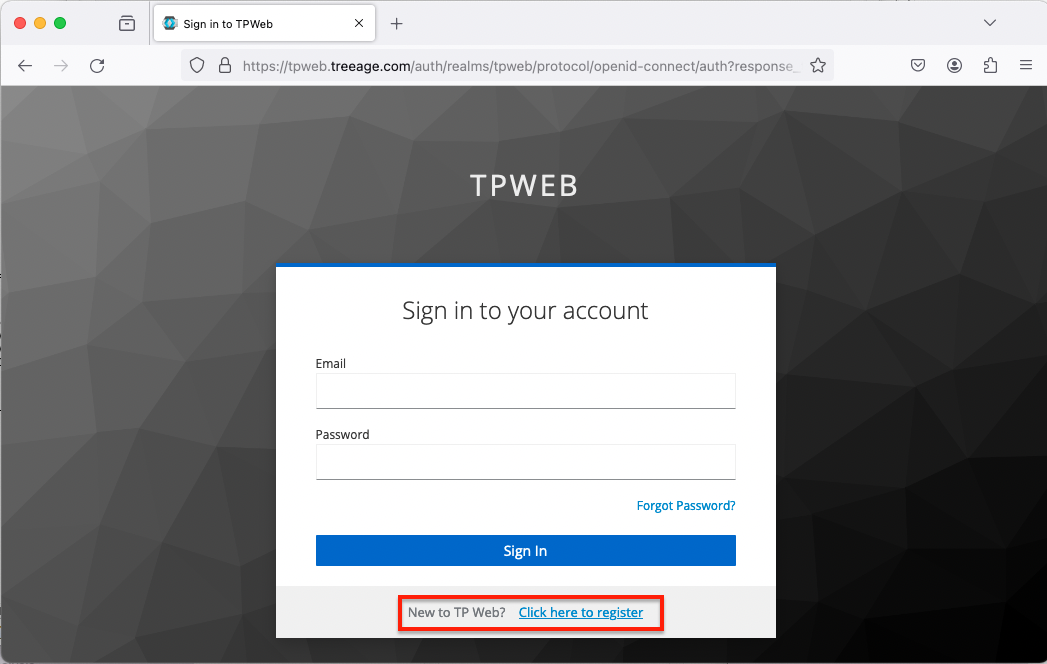
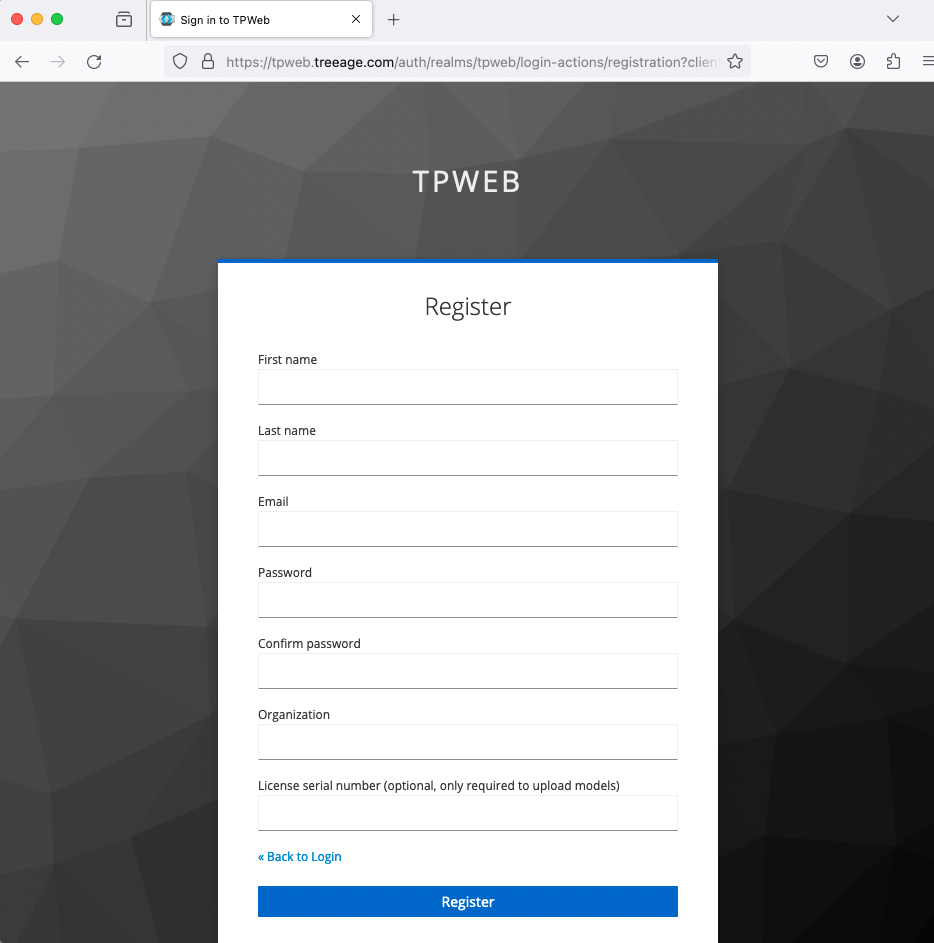
If you have not registered before, then use the link at the bottom to Register. This is highlighted in the image above. You can register at any time. The registration page is shown below. If you want to upload models, you need to enter your serial number at registration (or enter it later in the User settings).
To upload a model:
-
Click Model List in the left navigation pane.
-
Click Upload Model.
-
Click Browse.
Choose the model within the dialog and click Load.
-
The model will then be listed in the Model List. Select the model from the Model List to open it by clicking the model name.
-
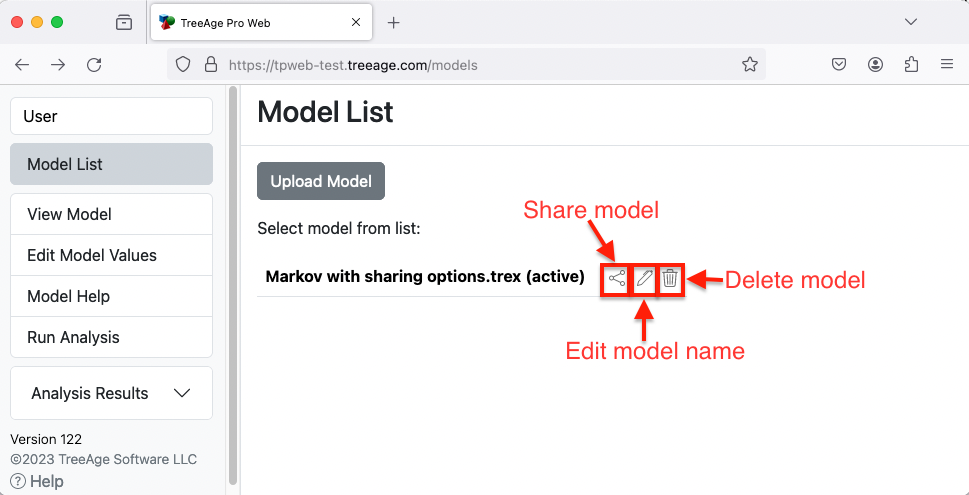
There are options next to the model name:
-
Share model.
-
Edit model name.
-
Delete model.
-
For more details about using TPWeb, review the Help for TPWeb.