16.15 Printing
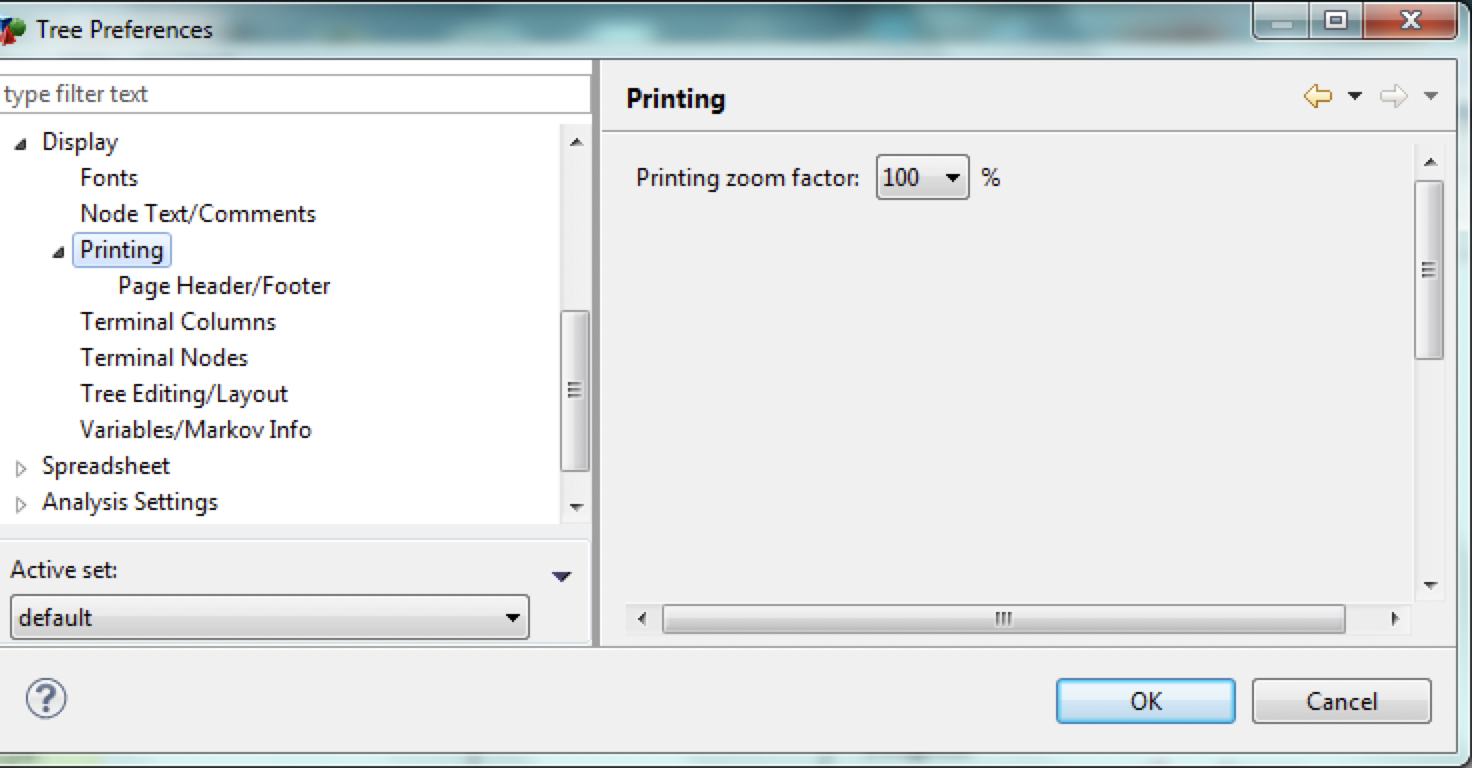
The Printing Tree Preferences category allows you to specify printing options for the model.
-
Printing zoom factor: Set the zooming scale for printed output of the model. A lower percentage will fit more of the model on a page.
Note also that it is independent of any scaling specified under Page Setup. Thus, if your printer driver allows scaling via the Page Setup command, you run the risk of applying one percentage against another.
The printing zoom factor is also independent of the screen-display zoom factor, set via the Modeling Palette.
16.15.1 Page Header/Footer
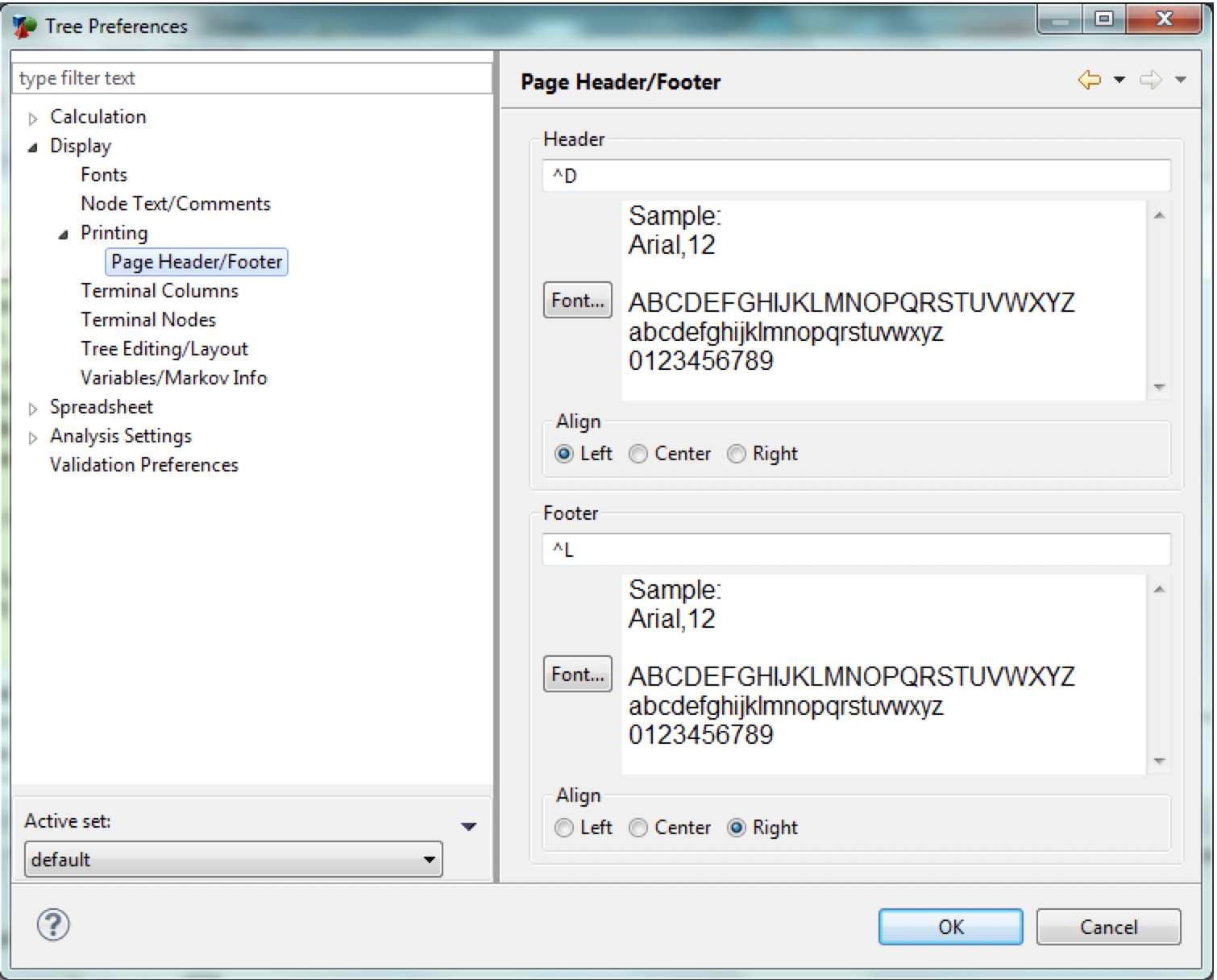
The Page Header/Footer Tree Preferences category allows you to specify a page header and a page footer that are used when printing the model.
-
Header: Text to display at the top of each printed page of model.
-
Header Font: Font to use for header text.
-
Header Align: Horizontal alignment for header.
-
Footer: Text to display at the bottom of each printed page of model.
-
Footer Font: Font to use for footer text.
-
Footer Align: Horizontal alignment for footer.