16.2 Tree Preference Dialog
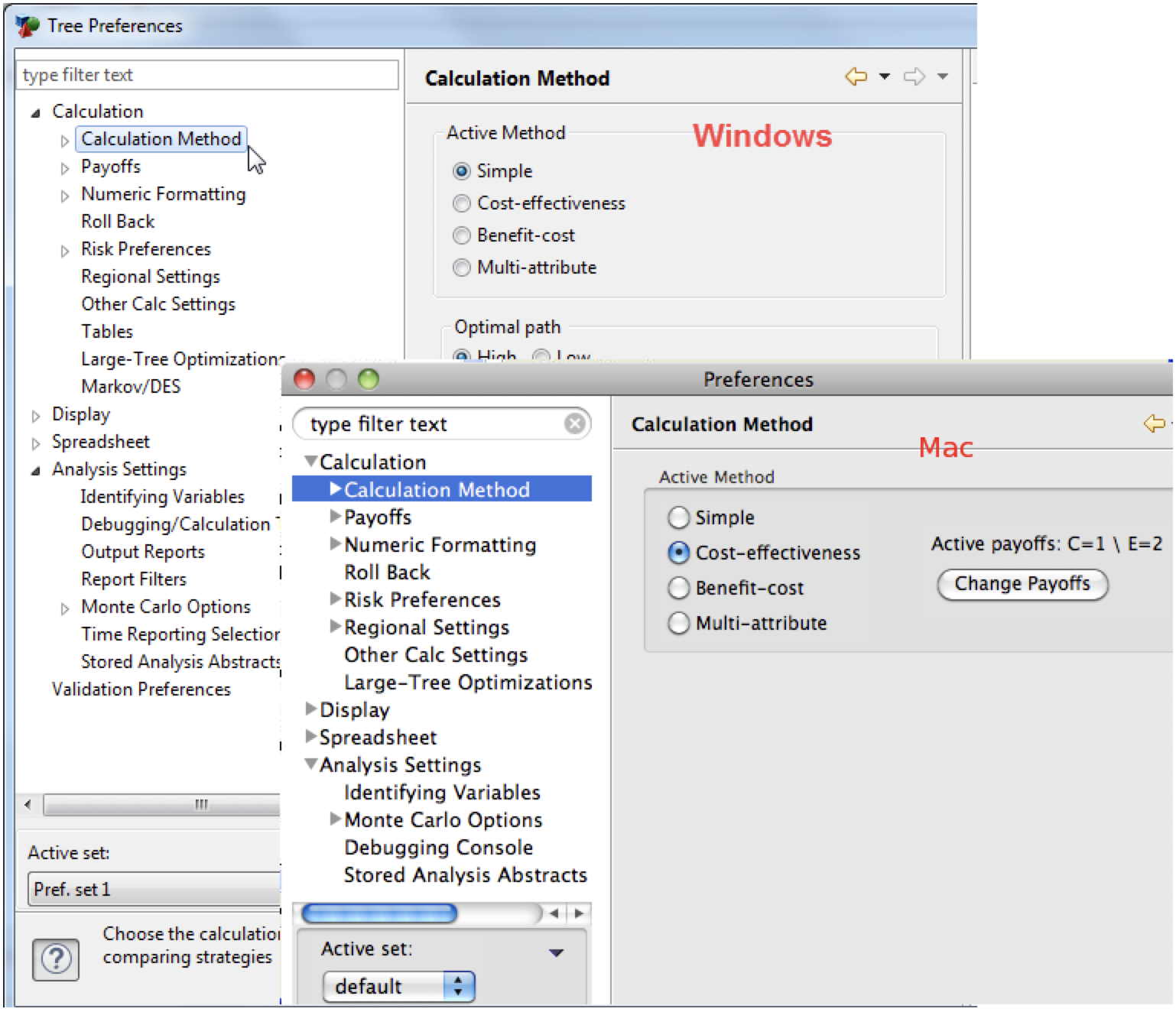
The Tree Preferences Dialog is used to edit Tree Preferences for the active model. You can open the Tree Preferences Dialog by first selecting a model and then using one of the following methods:
-
Choose Tree > Tree Preferences from the menu.
-
Click the "Tree preferences" icon on the toolbar.
-
Windows/Linux: Pressing F11 on the keyboard. Mac OS: Set up a keyboard shortcut, if desired, in the Application Preferences
16.2.1 Tree Preference Categories
Tree Preferences are broken up into a number of categories as shown on the left side of the dialog. The list of available categories changes depending on what, if any, type of document is currently active. The list of categories can be filtered using the filter text input. Choosing a category from the list changes the page of options that appear in the right side of the dialog. The options in each category are described in this chapter.