
Transparency & Validation
See how your model works, validate your assumptions and build confidence in your results.
TreeAge Pro provides full model transparency with visualization, validation, calibration, and debugging tools.

Visual pathways drive calculations
- You can rely on the time-tested algorithms in TreeAge Pro to faithfully follow your pathways to generate accurate and repeatable results.
- Validate every step in your patient pathways over time.
- Examine every cost and utility update at every step in the model.
- Add unlimited model outcomes to validate pathways with event counts.
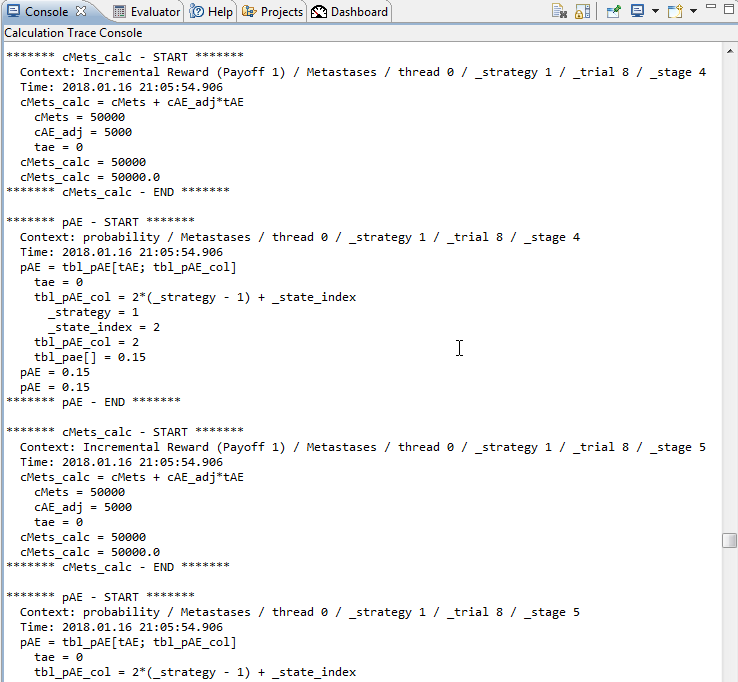
Review all internal calculations
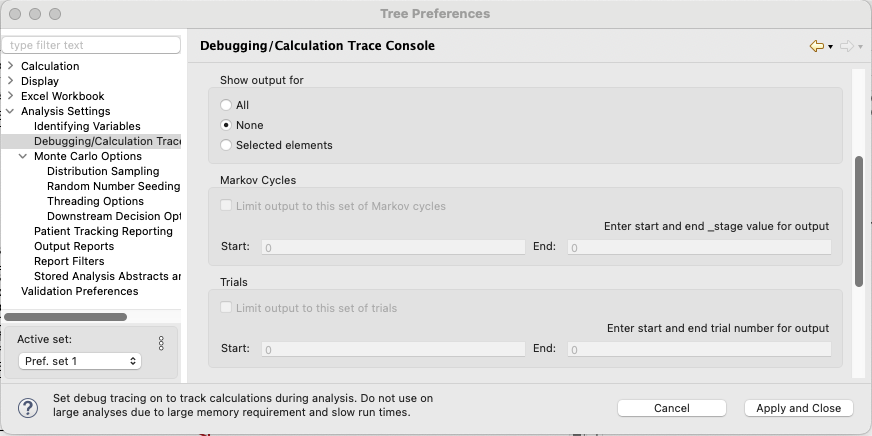
- Turn on debugging options to review any calculation details in the console.
- Easily modify output to focus on individual patients, cycles, calculations, etc., to allow review of complex formulas.
Visualize and validate model disease progression
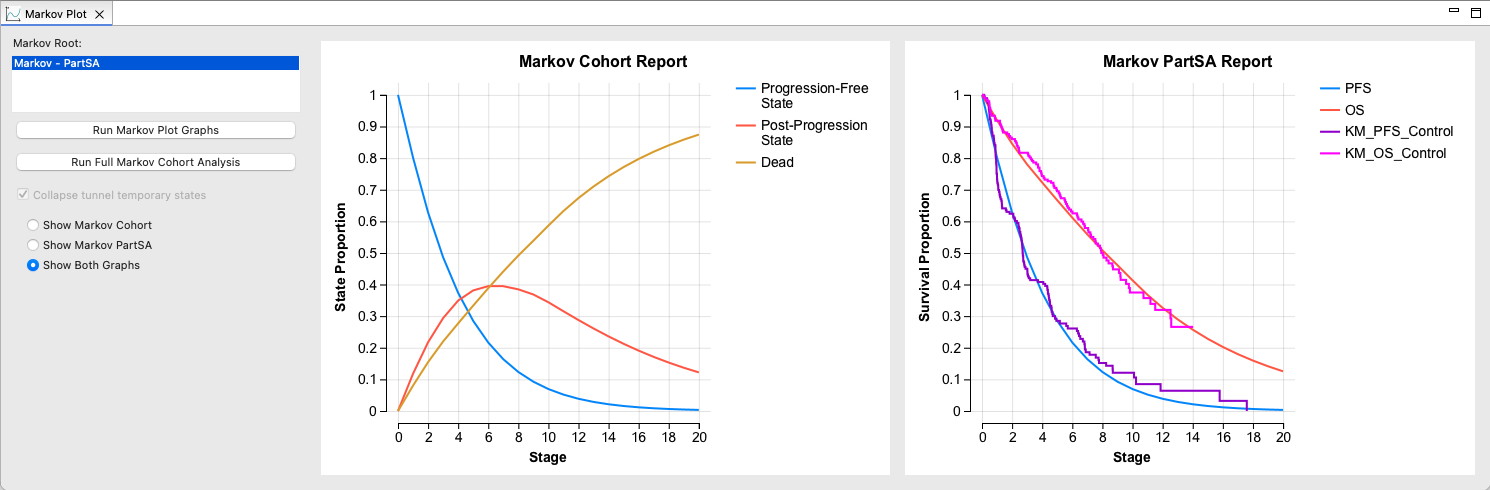
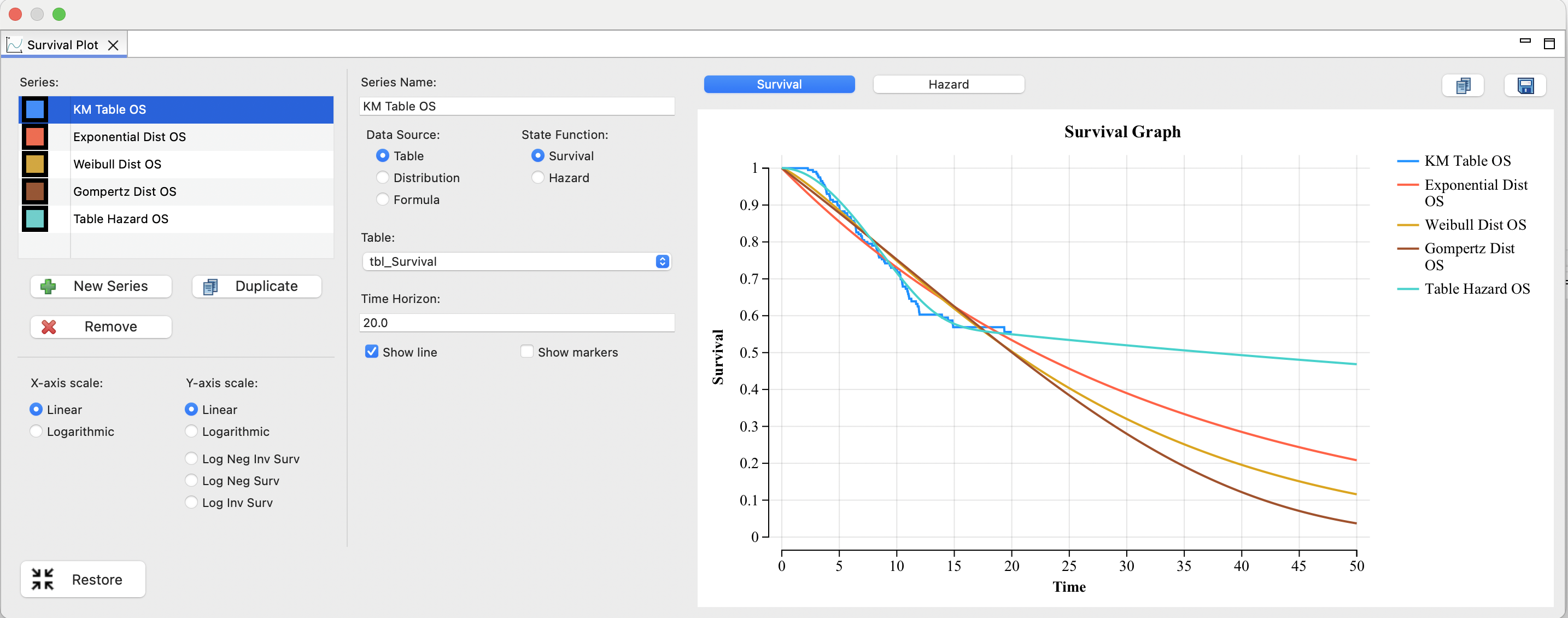
- Use the Markov Plot and Survival Plot to examine disease progression over time.
- Easily change assumptions to see the impact.
Review important model elements at a glance
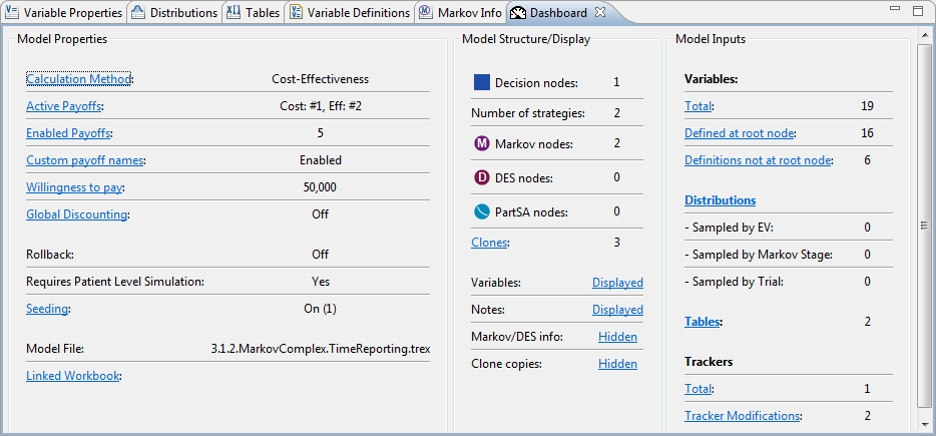
- Use the Model Dashboard to quickly examine critical elements of model configuration, structure and inputs.
- One-click access to further details on each element.
Validate external models
Use TreeAge Pro to quickly rebuild a model originally built in another platform to validate the original model’s results.
You can then export the TreeAge Pro model to Excel.
Review TreeAge Pro’s Markov calculations in Excel
Export a Markov model to a working Excel model with all the internal cohort analysis details visible in Excel formulas.
Model Submissions and HTA
Did you know TreeAge Pro is a transparent, versatile, and easily adaptable modeling tool that is accepted by HTA authorities globally?
- From early clinical or commercial viability modeling to HTA economic model submissions, TreeAge Pro supports your most challenging drug development and reimbursement decisions.
- Use TreeAge Pro as your modeling engine and export the model to Excel to communicate results in a familiar format.
- TreeAge Pro models are accepted by many global HTA agencies, including:
- NICE (UK)
- PBAC (Australia)
- PHARMAC (New Zealand)
- ICER (USA)
- CHUIKYO (Japan)
- CENETEC (Mexico)
- Download a comprehensive Reviewer Checklist.
- We fully support HTA authorities globally with TreeAge Pro models. If you need help with reviewing a TreeAge Pro model, please contact Support directly at support@treeage.com where our Global Team can assist you.