
Communicate Clearly
Communicate your model, assumptions, and results clearly to colleagues, clients, reviewers, and decision-makers.

Turn Complex Model Results into Clear, Understandable Outputs
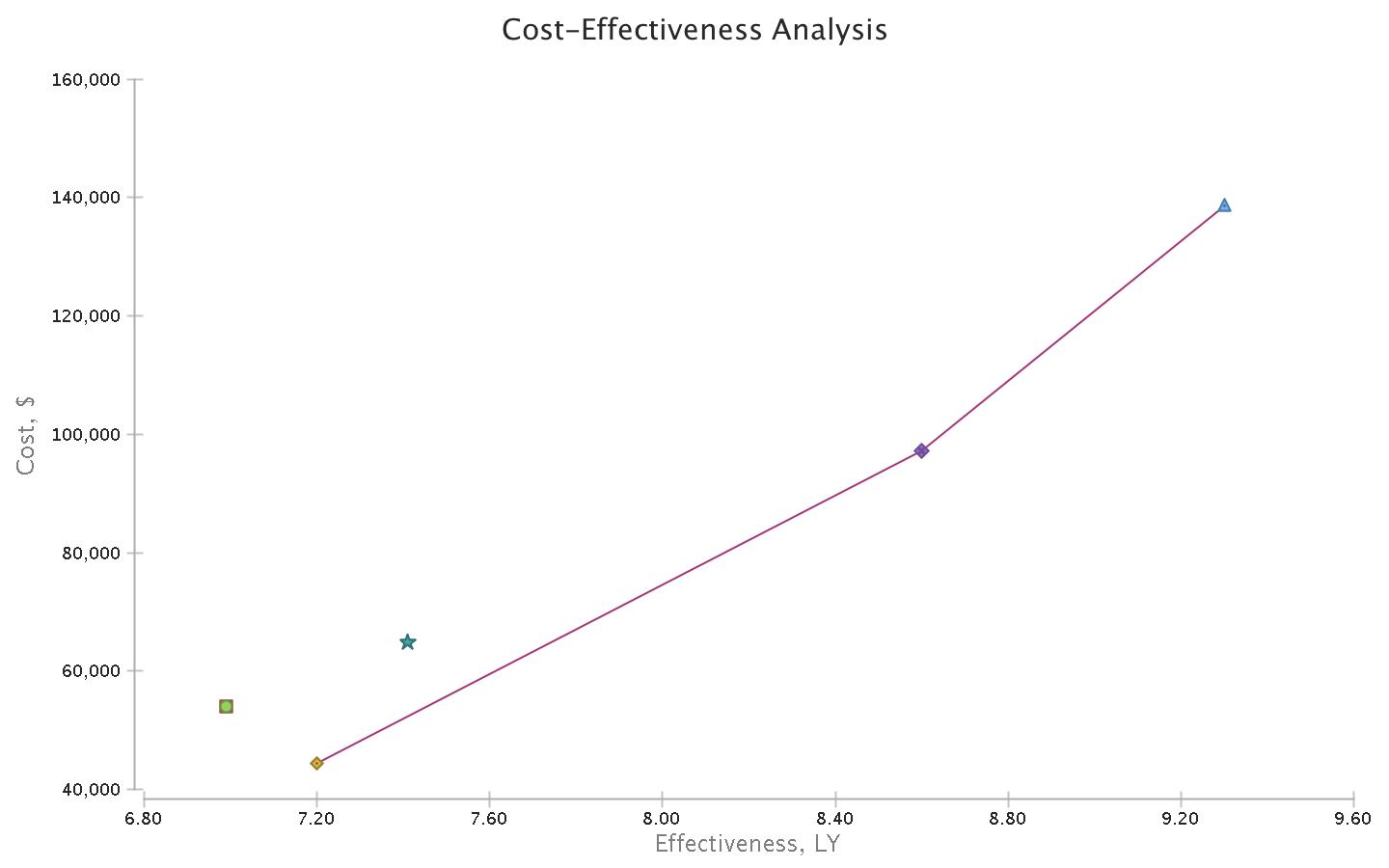
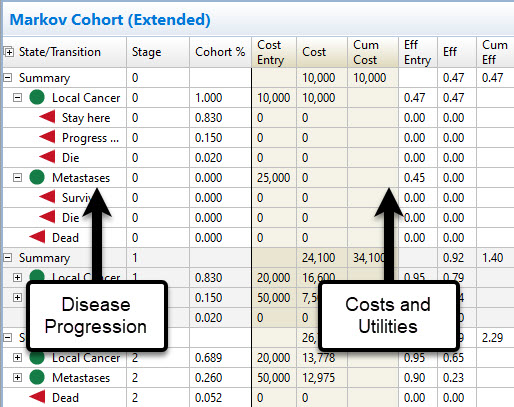
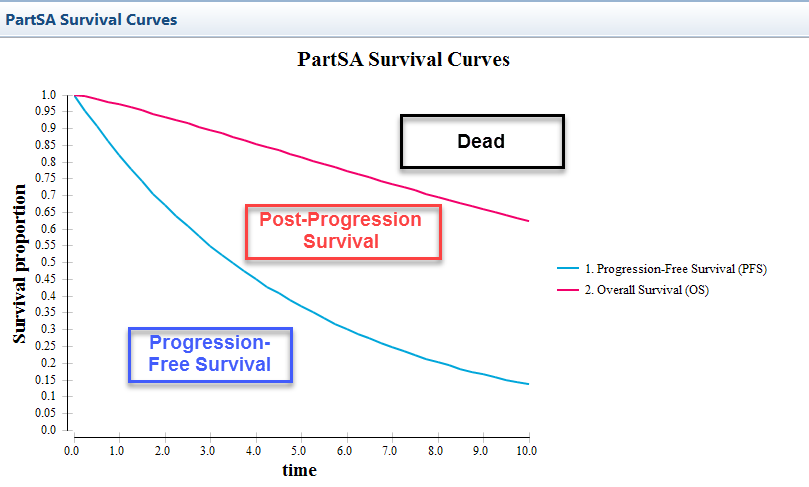
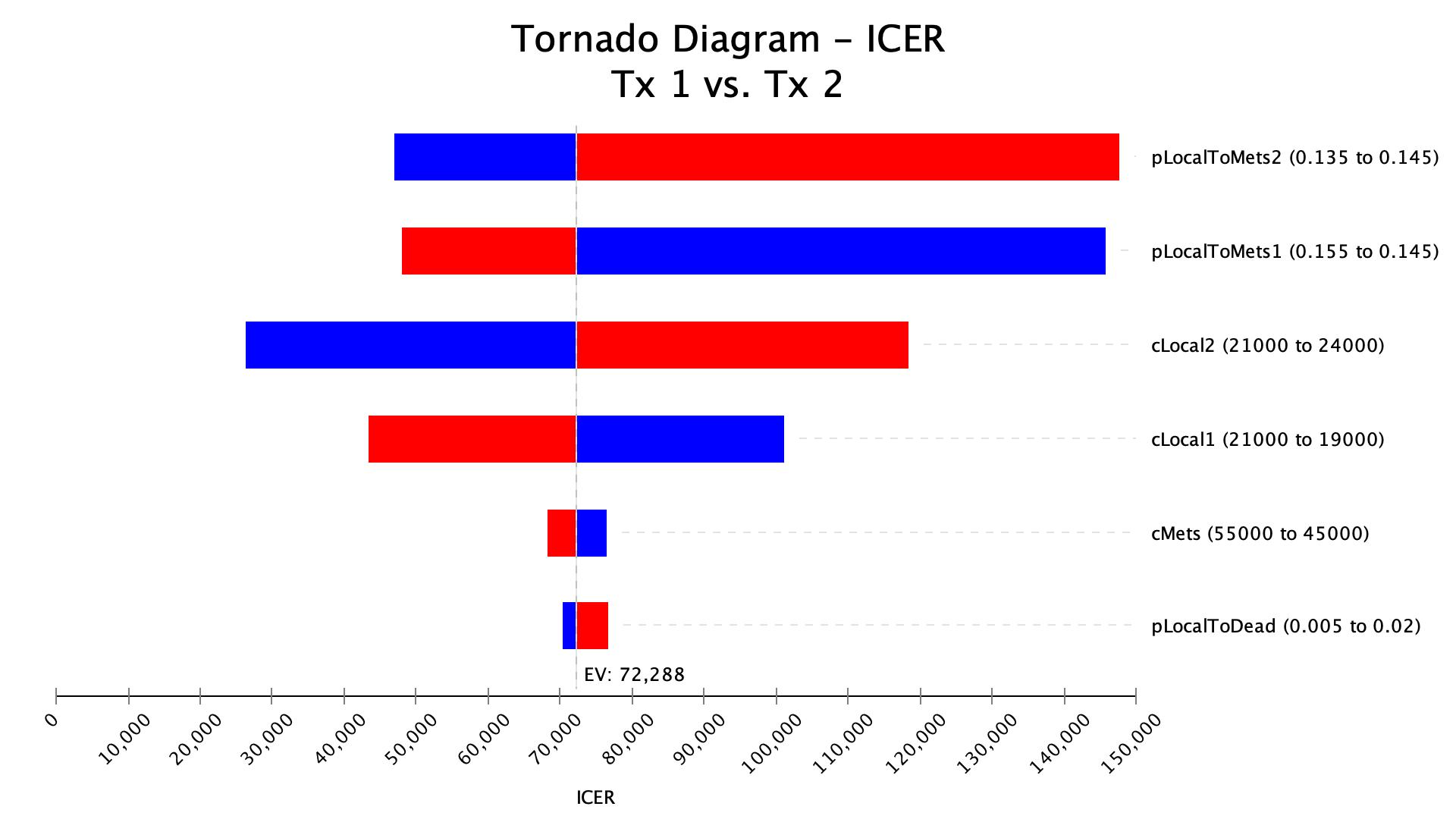
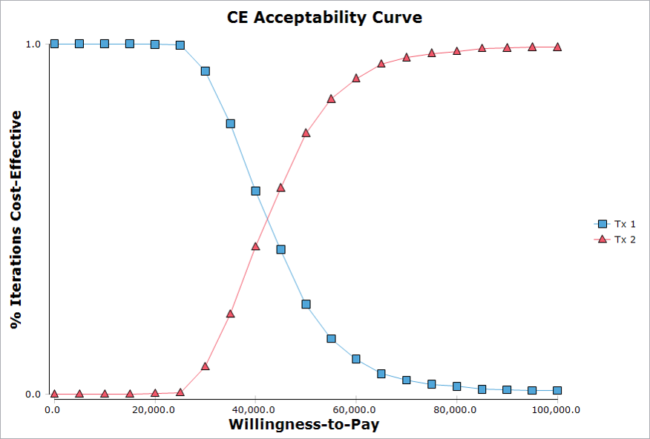
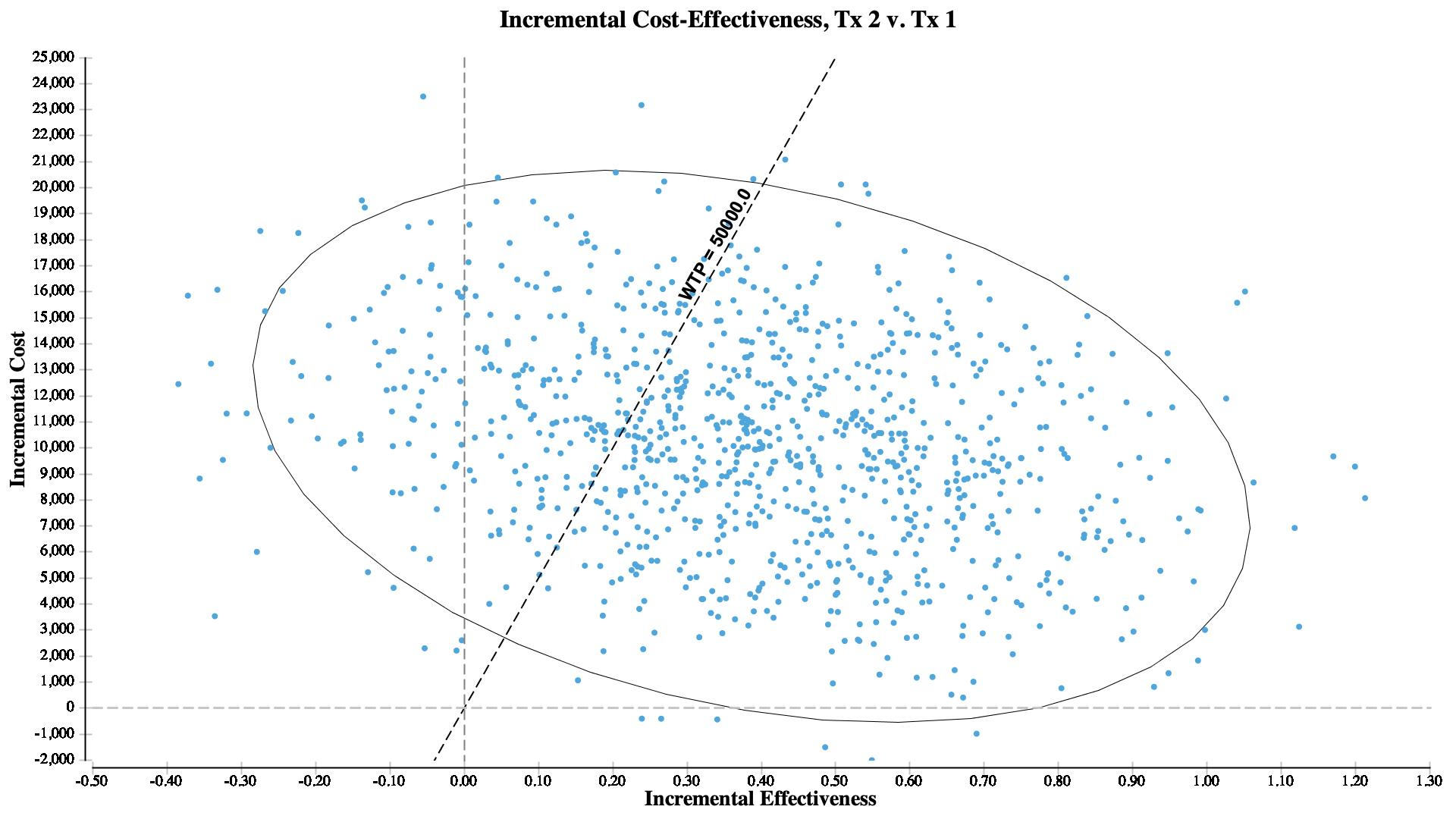
Use integrated reports, graphs, and visualizations to help others understand model behavior, analyses, and results.
TreeAge Pro Reports Include…
Share your reports
- Copy graphs directly into presentations, reports, and other documents.
- Export graphs as images for publications and web content.
- Export tabular reports to Excel for further review and communication.

Share your model with TreeAge Pro Web
- Upload your model to TreeAge Pro Web and share access through a web link.
- Let colleagues, clients, and reviewers examine the model, change inputs, and run analyses without installing TreeAge Pro.
- Give others a more direct way to understand and explore the model and its results.
Communicate Model Outputs in Excel
Export Markov models to working Excel models so others can review calculations, explore model outputs, and work with the model in a familiar format.