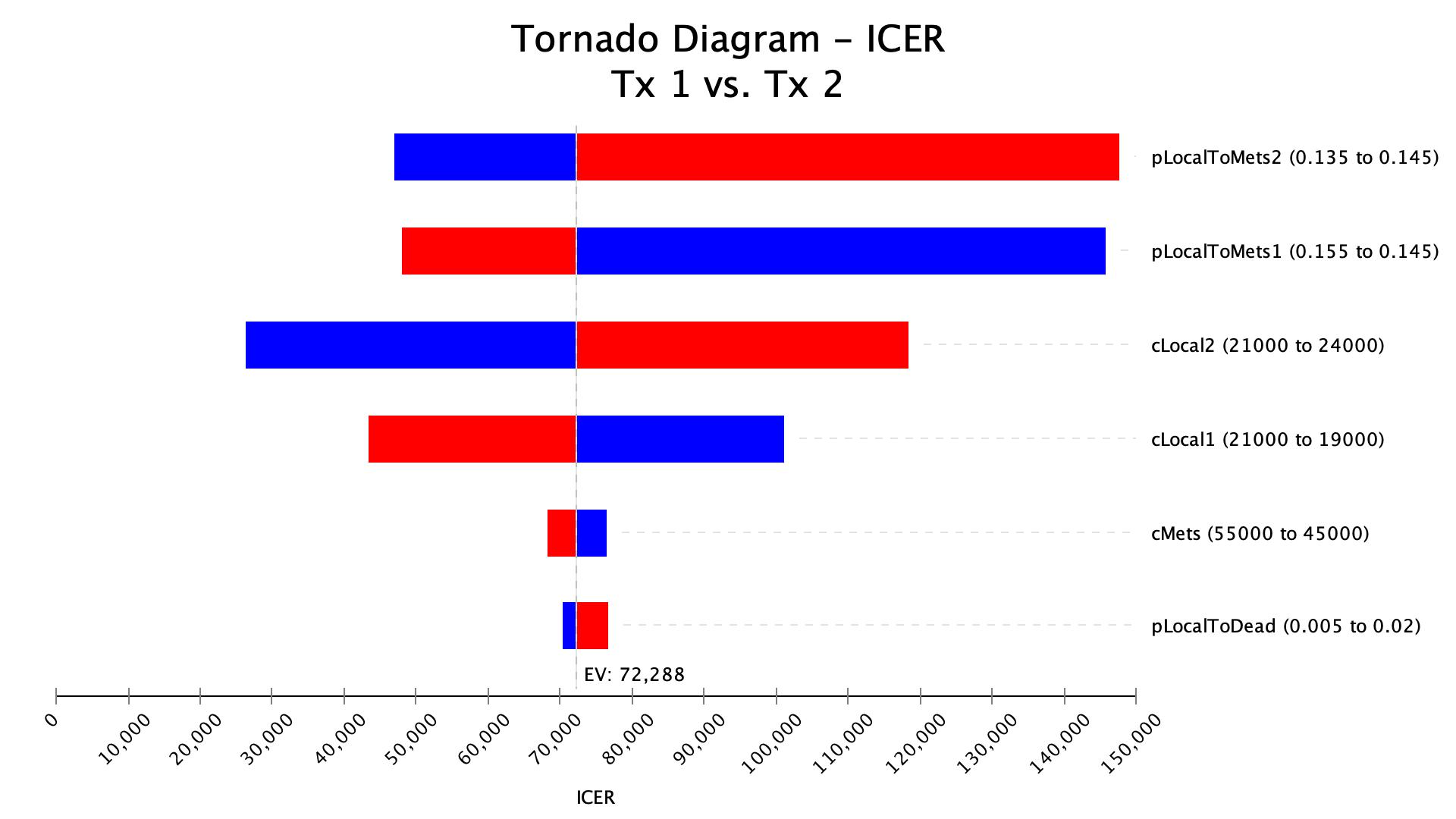
Deterministic Sensitivity Analysis
Examine How Individual Model Inputs Affect Results
Vary uncertain model inputs individually across specified ranges to understand how changes in each parameter affect model results.
TreeAge Pro provides integrated one-way sensitivity analysis and tornado diagram tools to help you identify influential inputs, explore cost-effectiveness thresholds, and understand how parameter uncertainty affects your conclusions.
Deterministic Sensitivity Analysis
Examine the Impact of Individual Model Inputs
Vary model inputs individually across specified ranges to see how changes in each parameter affect model results.
Identify the Inputs with the Greatest Impact
Use tornado diagrams to compare the impact of uncertain inputs and identify which parameters have the greatest influence on results.
Explore Deterministic Sensitivity Analysis →
Click here for detailed product documentation.
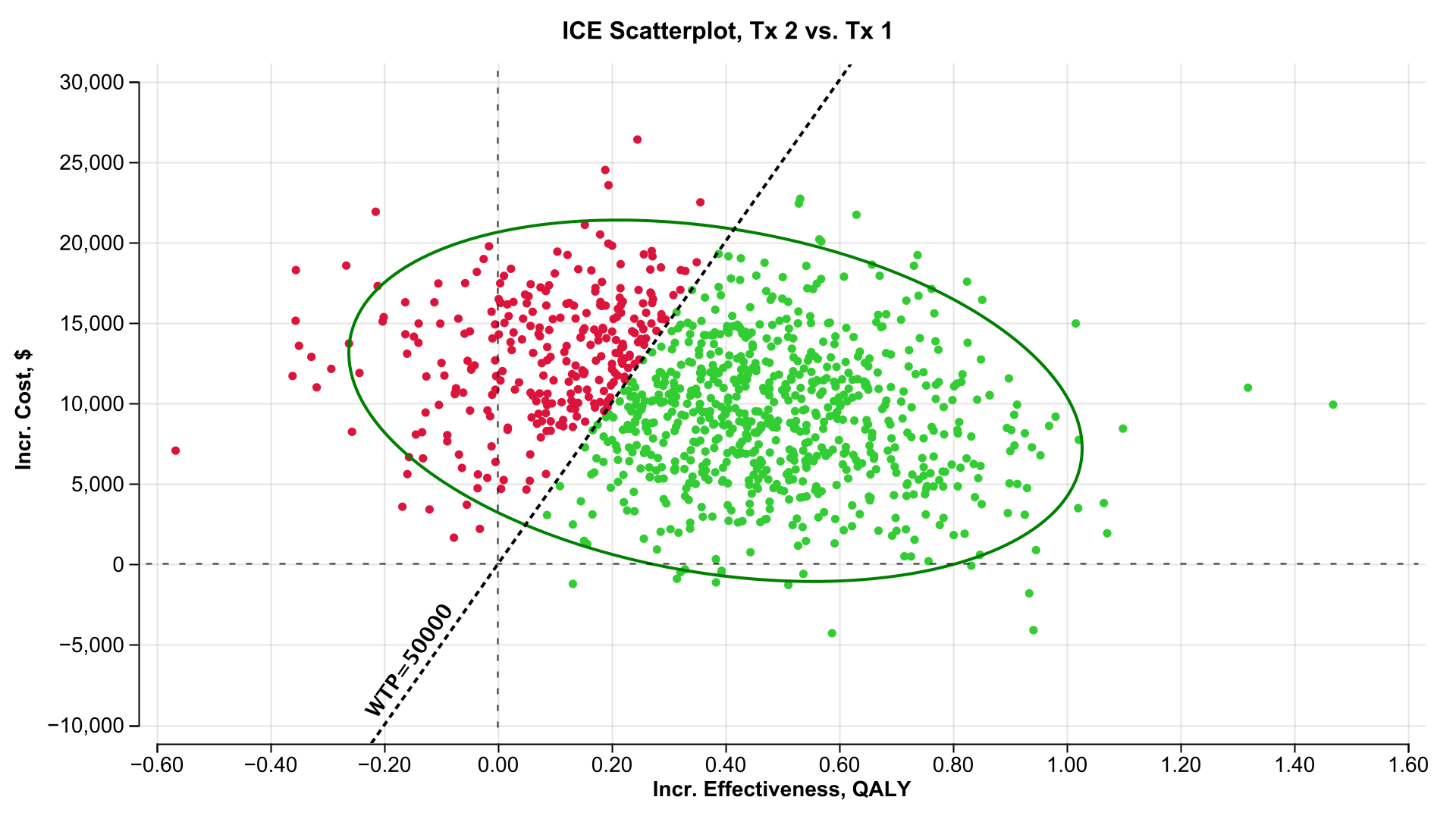
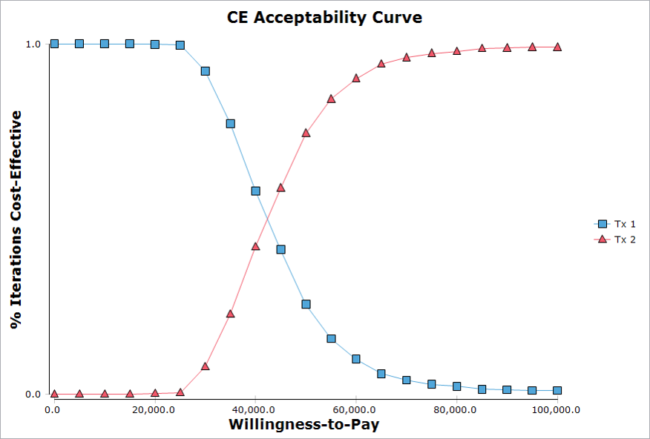
Probabilistic Sensitivity Analysis
Assess confidence in your conclusions by studying the impact combined parameter uncertainty.
- Distributions: Create distributions to represent uncertainty related to specific inputs. This prevents over-representation of outlier input values.
- PSA Analysis: Sample a set input values from distributions, then run the model using those samples. Repeat this many times to generate a large set of results representing a wide range or parameter combinations.
- Interpretation: Examine the set of model analysis results to assess confidence in the base case model conclusions. Some individual model calculations within the PSA will confirm your conclusions – the higher the percentage, the more confidence we have.
Click here for detailed product documentation.