
Get Started with TreeAge Pro Healthcare
Welcome to your TreeAge Pro Healthcare evaluation!
TreeAge Pro gives you a visual environment for building and analyzing sophisticated health economic models without relying on extensive coding.
We’ve put together resources to help you get started, explore TreeAge Pro’s modeling and analysis capabilities, and experience how its visual structure and integrated tools make models easier to understand, validate, and communicate.
Contact us for help.
Email: sales@treeage.com
Phone: 413-458-0104 x1.
Start Your Evaluation
Whether you’re new to TreeAge Pro or have previous experience, we recommend starting with these resources to get the most from your evaluation.
1. Install and Activate TreeAge Pro
Your evaluation email includes the instructions needed to download, install, and activate TreeAge Pro. Follow those instructions to get the software running.
2. Build and Analyze Your First Model
Start with an introductory tutorial to become familiar with TreeAge Pro’s visual model editor, build a simple model, and explore its integrated analysis tools.
3. Attend Free Live Training
Join a free, interactive training session with a TreeAge expert to learn the fundamentals of model building and analysis.
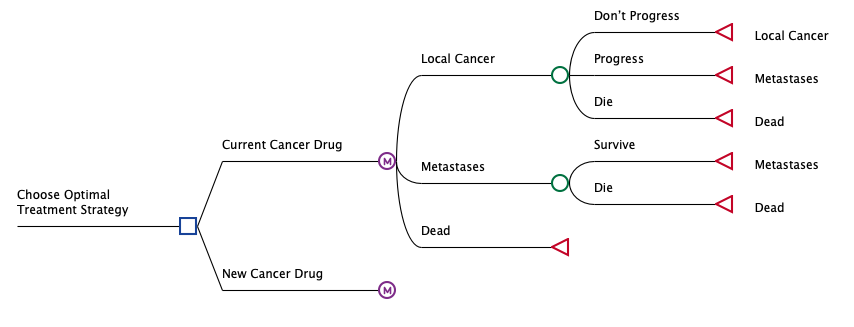
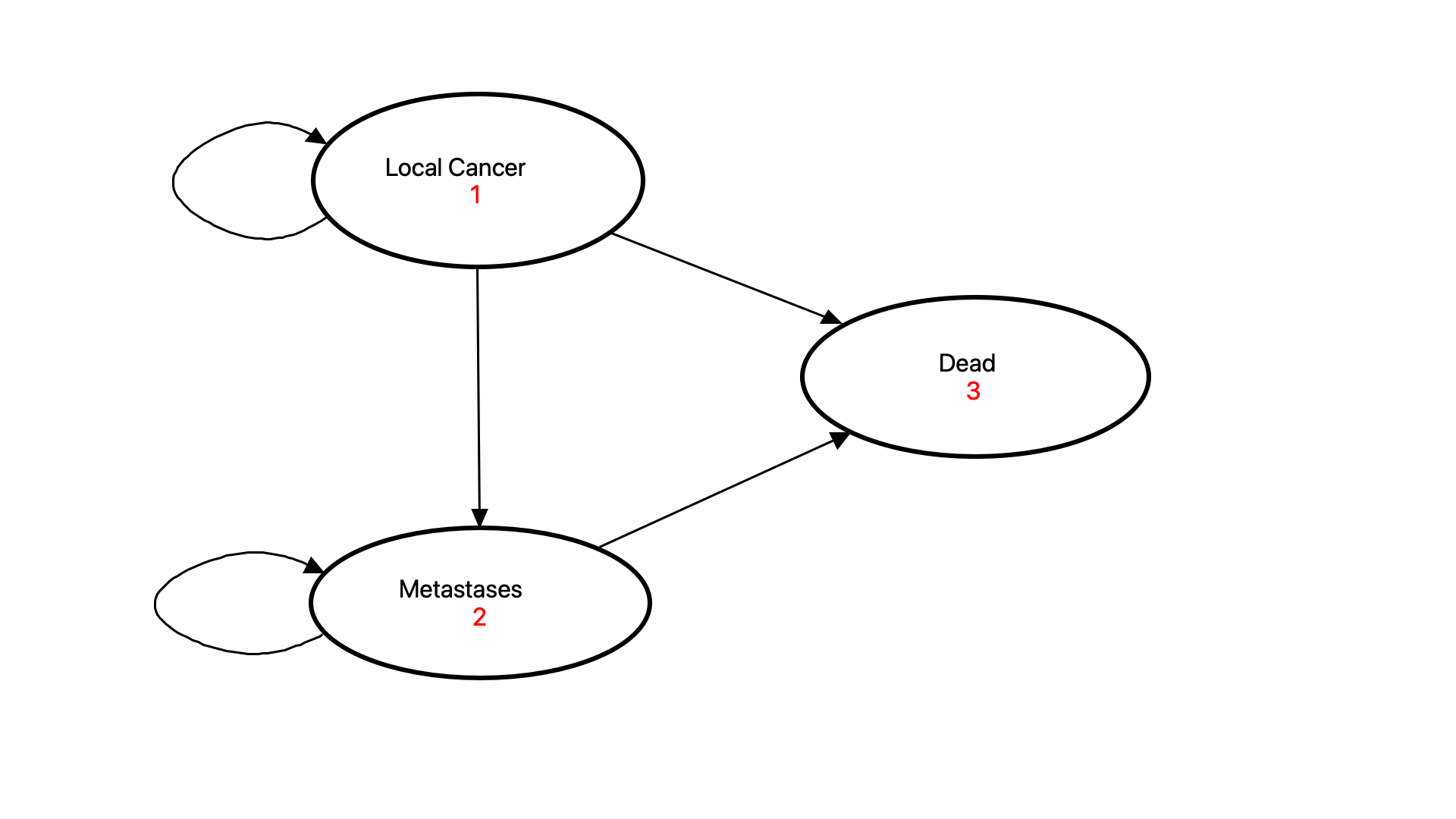
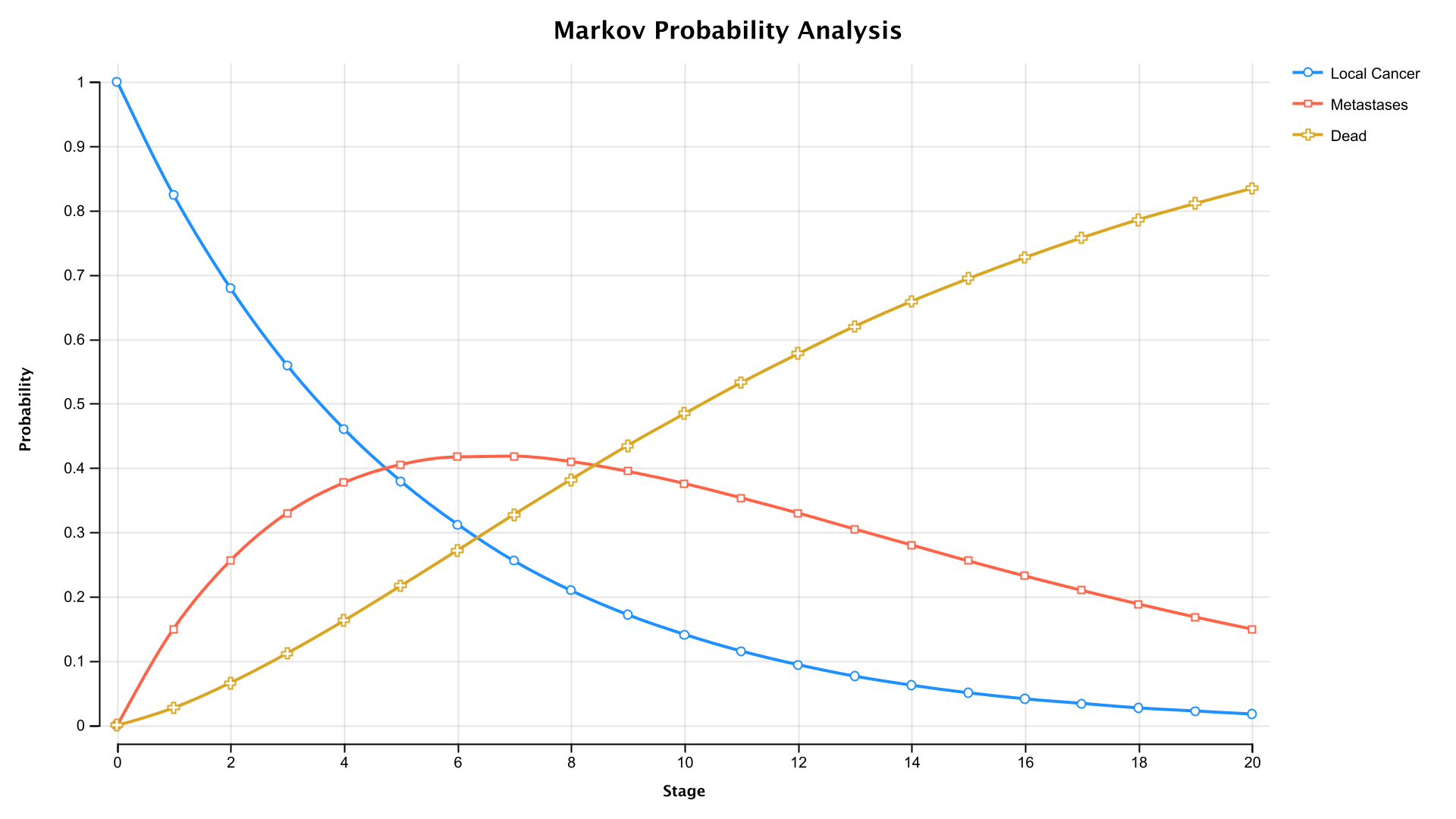

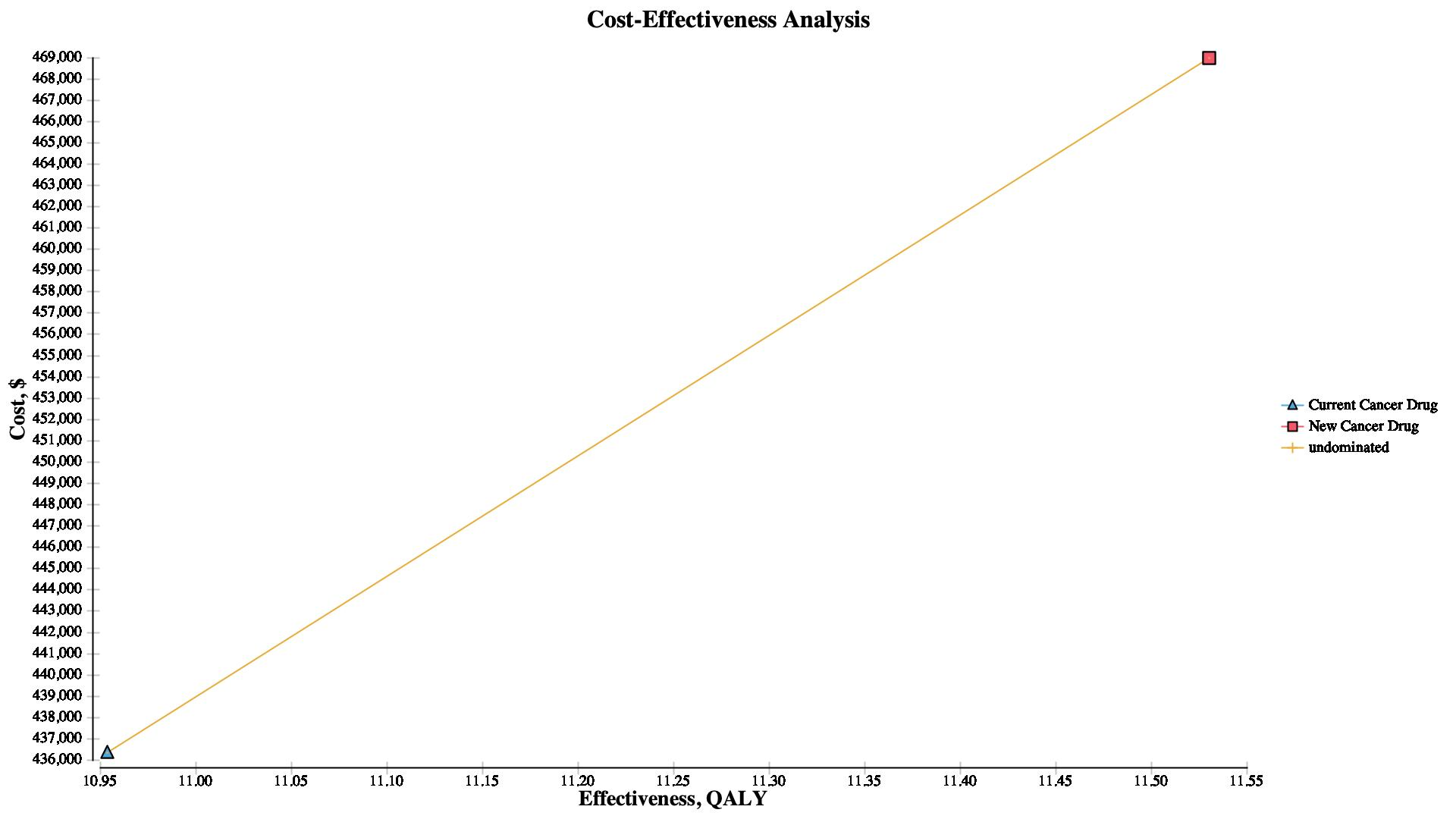
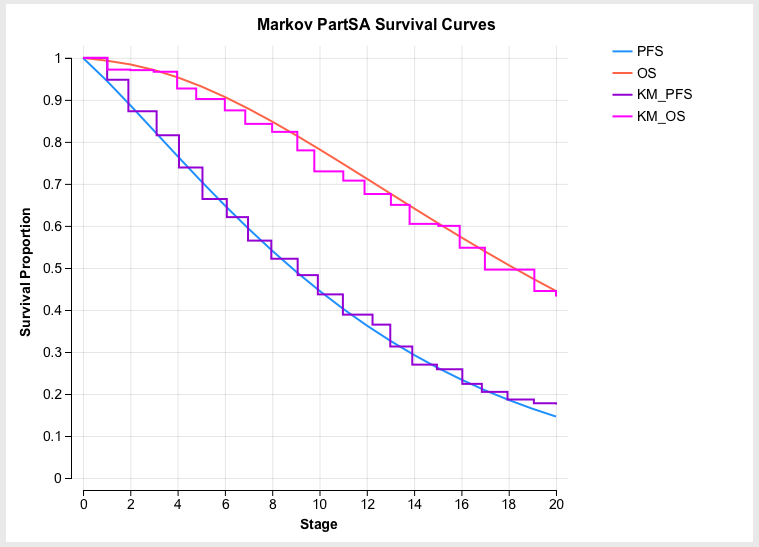
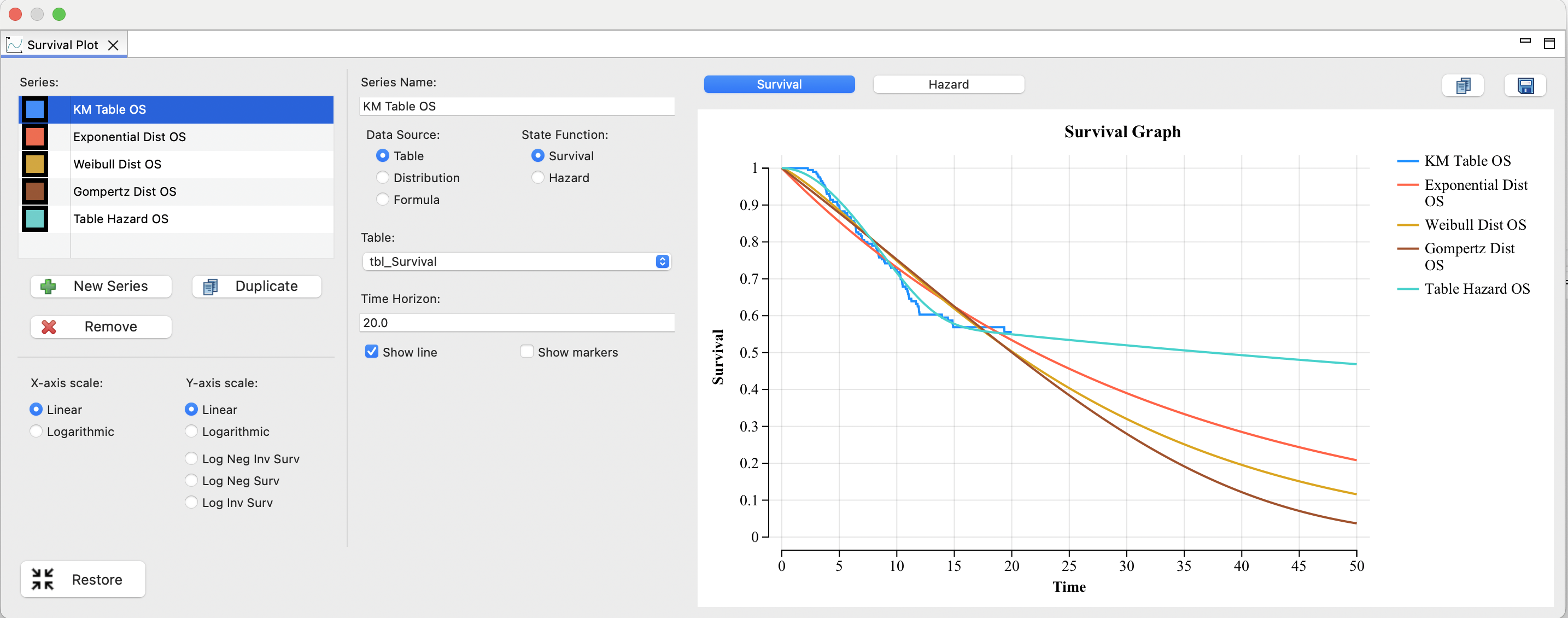
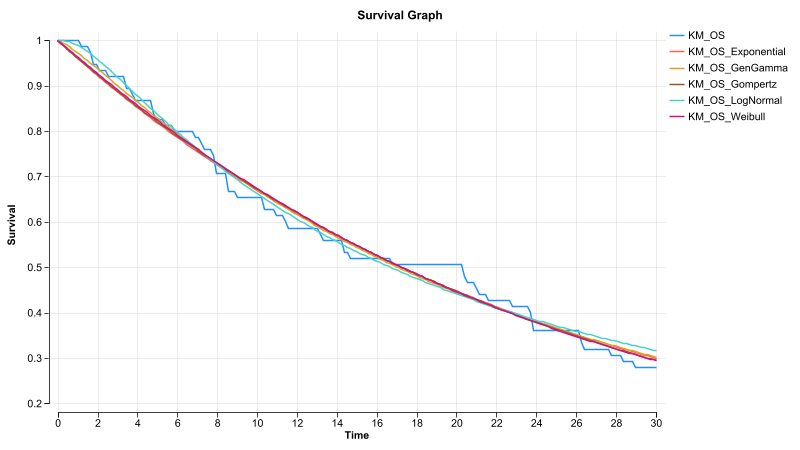
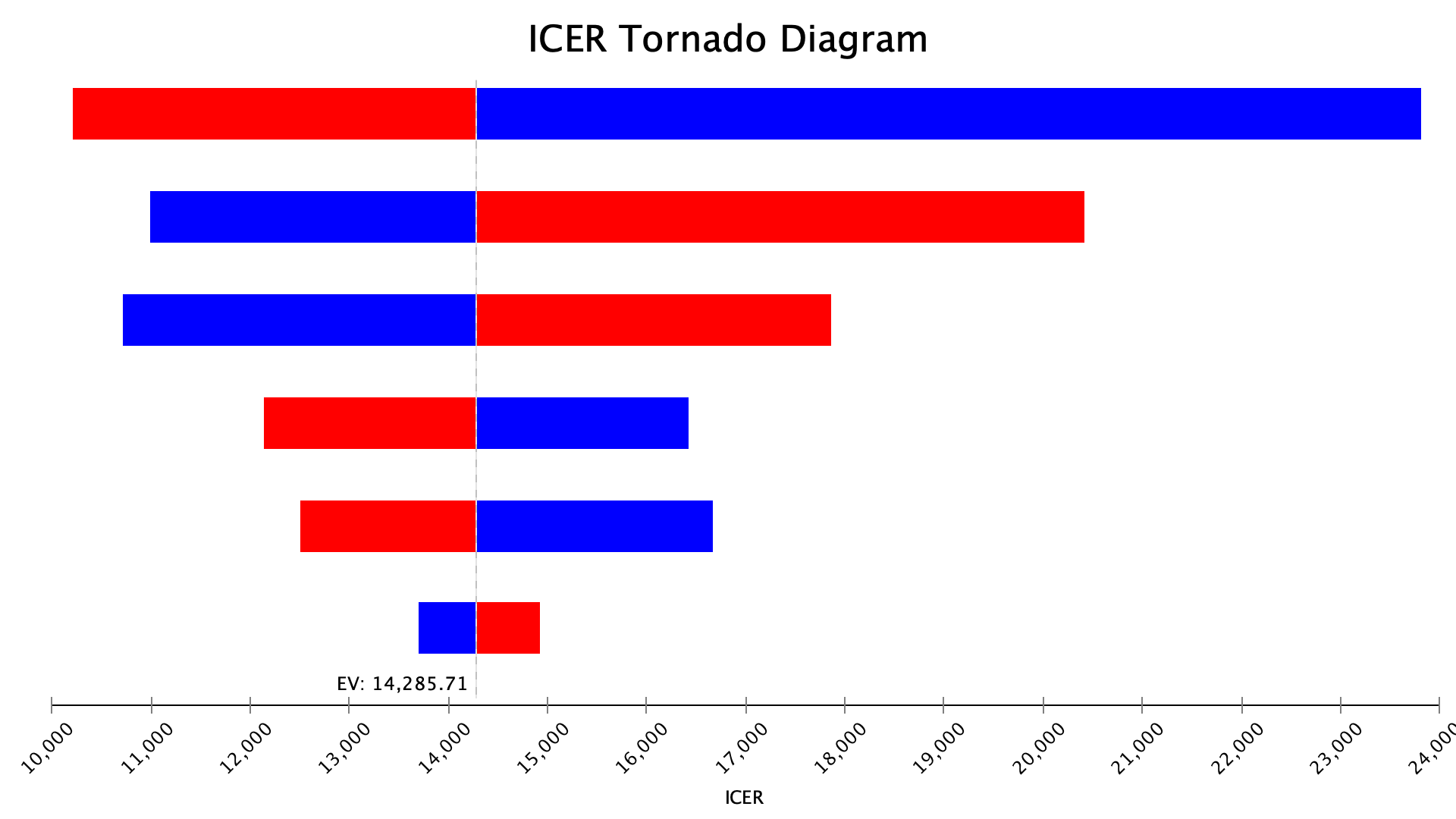
Explore TreeAge Pro’s Modeling Capabilities
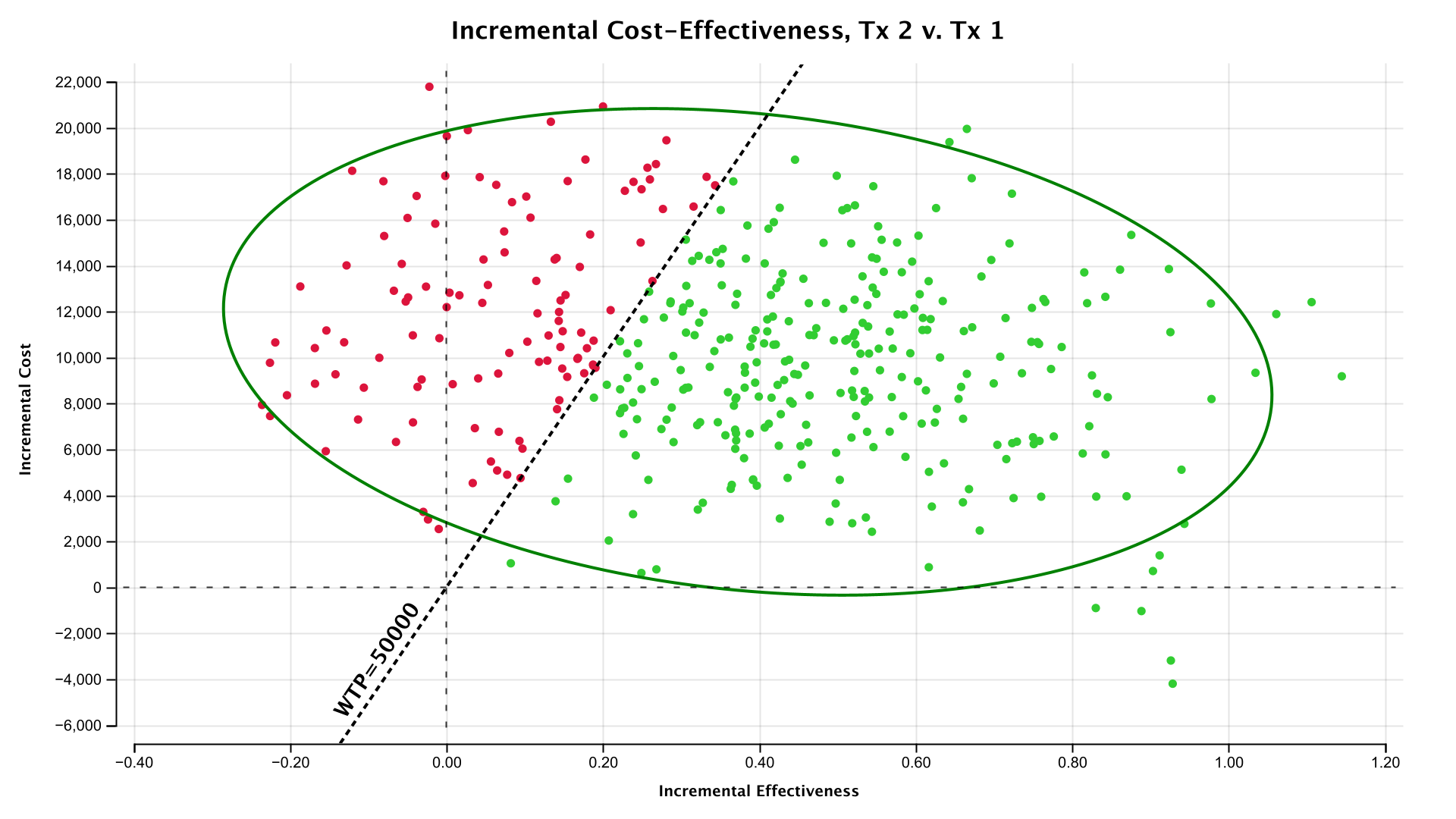
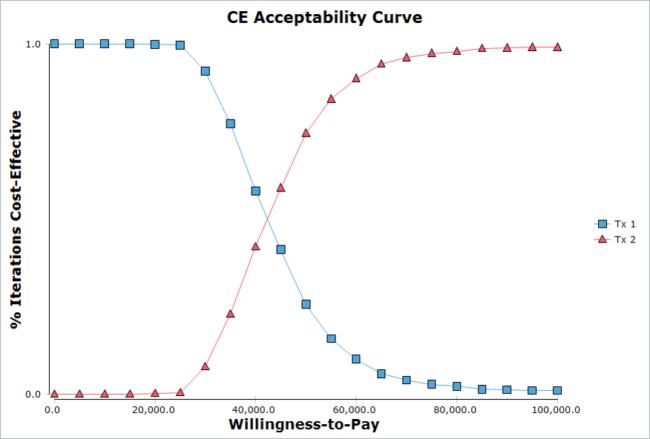
TreeAge Pro supports a wide range of health economic modeling approaches and integrated analysis tools. Explore the capabilities most relevant to your work to see how TreeAge Pro can help you build, analyze, and validate sophisticated models.
Modeling Approaches
- Decision Trees
- Markov Models
- Partitioned Survival Analysis
- Patient Simulation
- Discrete Event Simulation
For a broader overview, explore all TreeAge Pro Healthcare Features.
Need Help with Your Evaluation?
Our team has decades of experience supporting health economic modelers. If you have questions about installing TreeAge Pro, building a model, or running an analysis, we’re here to help.
Visit our Support Center for technical assistance and helpful resources, or contact us at sales@treeage.com with questions about your evaluation.
Ready to Continue with TreeAge Pro?
If TreeAge Pro meets your modeling needs, purchase a license to continue using it beyond your evaluation period.